
1. The cost of bad search nobody talks about
Poor search isn’t just annoying, it’s also really expensive. Studies show employees can spend up to 25% of their time looking for information. That’s a full day a week lost to hunting down files, colleagues, or updates. The hidden costs? Missed deadlines, duplicated work, and disengaged employees who stop bothering to look at all. AI-powered search eliminates the guesswork, surfaces the most relevant results instantly, and keeps productivity flowing.
2. AI understands you better than your search bar
Traditional search engines match exact keywords. AI-powered search understands intent. It knows that “onboarding policy” and “new hire guide” are the same thing, or that “Q4 report” might mean “End of year financial summary.” This semantic understanding means employees don’t need to remember the exact file name, they just need to describe what they’re looking for.
3. Smarter results, faster decisions
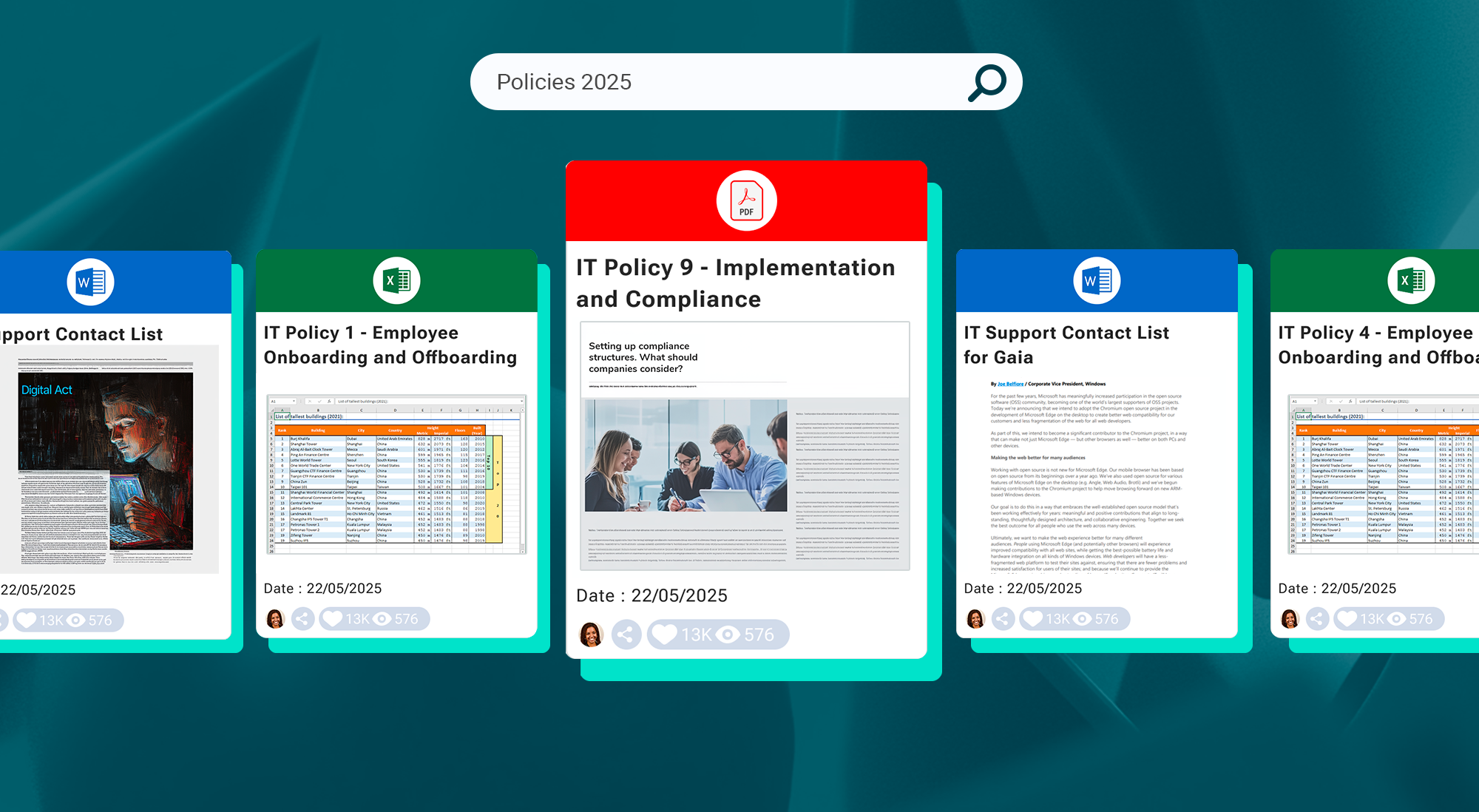
AI doesn’t just retrieve results, it prioritizes them. By learning from usage patterns, AI knows which documents, teams, or channels are most relevant to you. It can push the most useful resources to the top of your results list, so you spend less time scrolling and more time acting. The impact? Quicker decision-making, less frustration, and a stronger sense of control over your workday.
4. Breaking down silos with unified search
One of the biggest frustrations employees face is searching across multiple tools like SharePoint, Teams, file shares, HR portals, and then coming up empty-handed. AI search unifies these sources into one single search bar. No more remembering where to look. Whether it’s a PDF buried in a shared drive or a message in Teams, AI delivers it in one place, making cross-department collaboration seamless.
 5. Personalization that actually helps
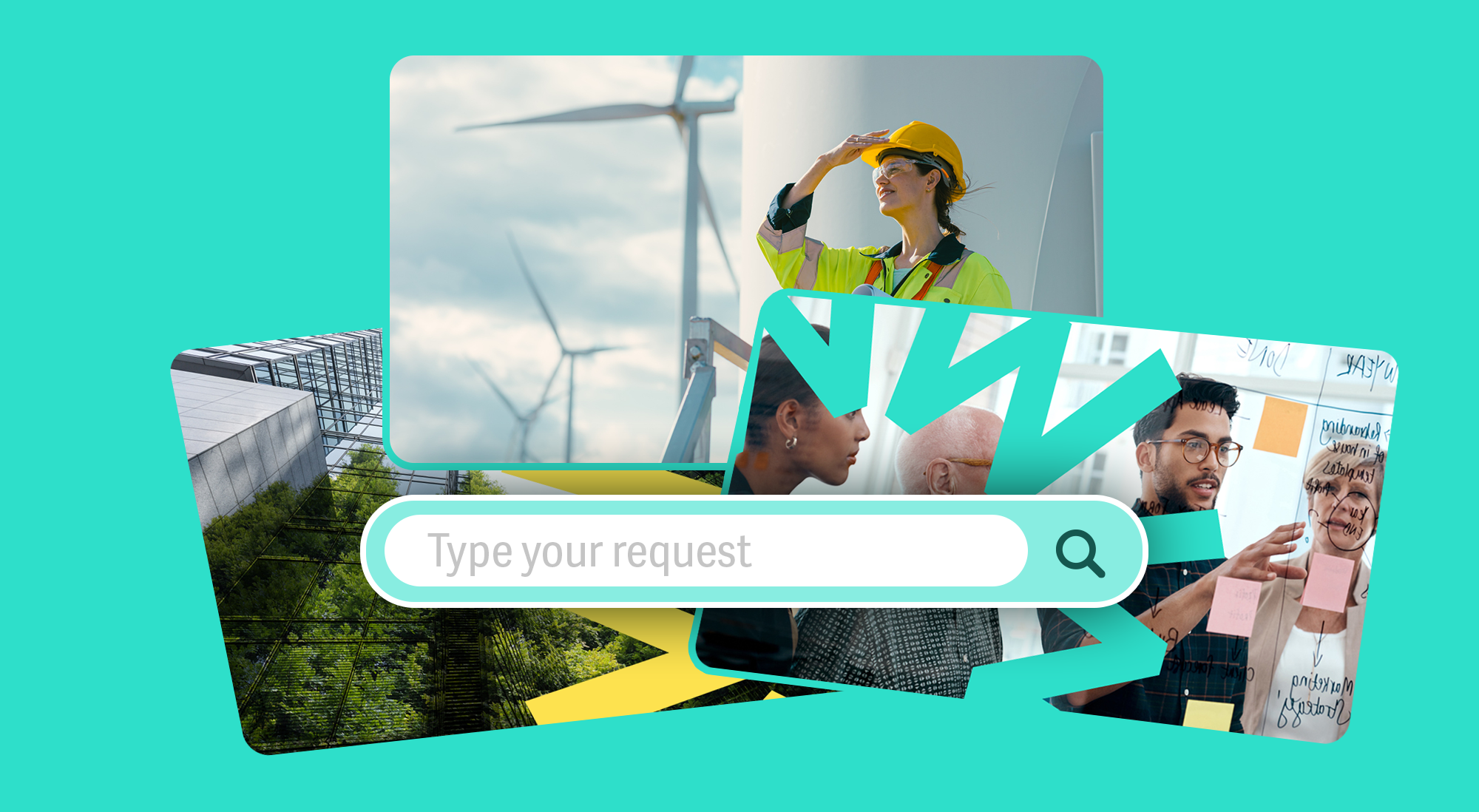
Not all search results are created equal. An HR manager and a sales rep might type in “contract” but need completely different results. AI search personalizes outcomes based on your role, department, location, and past behavior, ensuring that the top results are your top results. This tailored approach keeps information relevant and prevents information overload
6. From frustration to empowerment: AI as an experience upgrade
When search works, employees feel more capable, informed, and empowered. AI transforms search from a dreaded task into a frictionless experience that supports everyday work. Instead of avoiding the intranet, employees trust it—turning your digital workplace into the go-to hub for knowledge, collaboration, and connection.
How Powell helps you find what you need without the frustration
At Powell, we believe that search should work for you, not against you. That’s why our AI-powered search is designed to think like your employees, not like a machine. Integrated natively into Microsoft 365, Powell’s search doesn’t stop at SharePoint—it spans across Teams conversations, knowledge bases, document libraries, and even third-party applications you rely on every day. Whether you’re tracking down last quarter’s sales presentation, the latest HR policy, or a message from your CEO, it all surfaces in a single, intuitive search bar.
But Powell’s intelligence goes beyond simple retrieval—it learns. Our search engine adapts to each user’s role, location, and activity patterns, prioritizing the most relevant results while filtering out the noise. It understands natural language queries, so employees can search the way they think (“new hire onboarding checklist”) instead of memorizing exact file names. And because Powell combines advanced governance controls with enterprise-grade security, you can deliver a frustration-free search experience without compromising compliance. The result? Employees trust your intranet as the fastest route to answers, turning it into a true productivity and engagement hub.
Conclusion
Frustration-free search isn’t a luxury, it’s the foundation of a productive, engaged workplace. AI-powered search turns information chaos into clarity, giving employees back their time, energy, and focus. With tools like Powell, you can move from “Where is that document?” to “Got it. Let’s move forward” in seconds. The result? A workplace where technology actually feels like it’s on your side.


Trinity Resting
Product Marketing Manager
Product marketing doesn’t have to be all jargon and slides—Trinity’s here to prove it’s about creating human connections. With 5 years in digital marketing, she’s been scaling, building, and transforming product strategies that resonate with real people. At Powell, Trinity ensures the message isn’t just heard, but felt. She’s passionate about helping teams go beyond the office and build lasting relationships. When she’s not crafting strategies, you’ll find her sipping tea (she’s a self-proclaimed tea-aholic) or working as a professional dog sitter—because, let’s be honest, dogs are the ultimate team players.